


Whether you're a solo founder writing user guides at midnight, a PM racing a release, or a consultant wrapping a project, Easy Scribe gives you publication-ready documentation in minutes, not days. No technical writer, no manual screenshots, no version drift.

Ship docs at sprint speed
Generate and update guides fast enough to keep pace with every release.
Cut your support load
One recording becomes the guide that answers "how do I..." before it reaches you.
Docs that match reality
Auto-extracted screenshots and structured steps show exactly what users see.
How Easy Scribe works
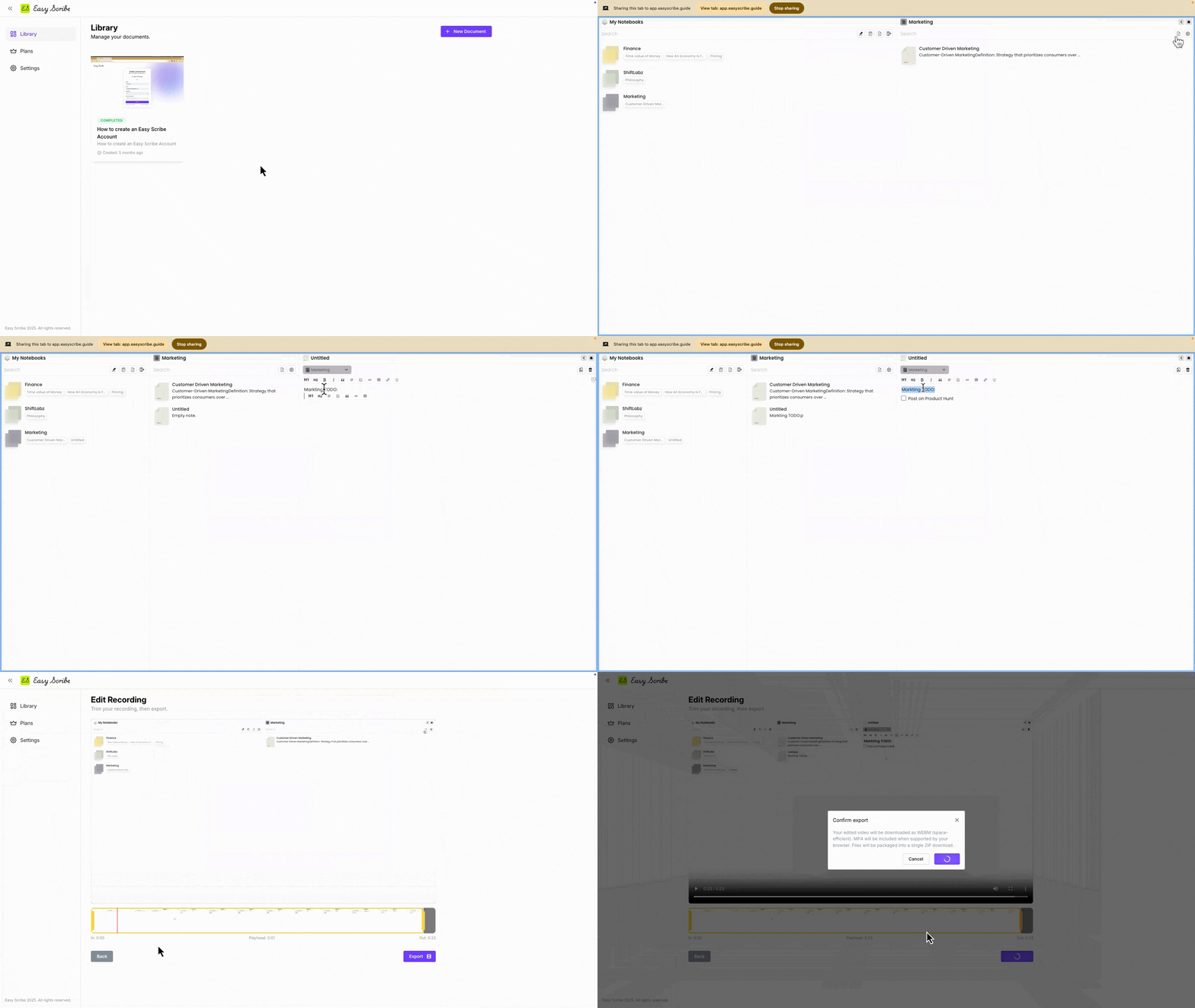
Live preview
See exactly what Easy Scribe produces
Real output from a single recording. A polished step-by-step document and a fully interactive walkthrough.
The Polished Document
Structured steps with auto-extracted screenshots, ready to publish or export.
Document
The Interactive Walkthrough
A clickable, guided experience your users can follow step by step in-product.
Interactive
Core features that move metrics
Record without leaving your browser
Start recording in one click. No extension to install, no software to download.
Contextual screenshots
Auto screenshot extraction and ordered step generation to enhance clarity.
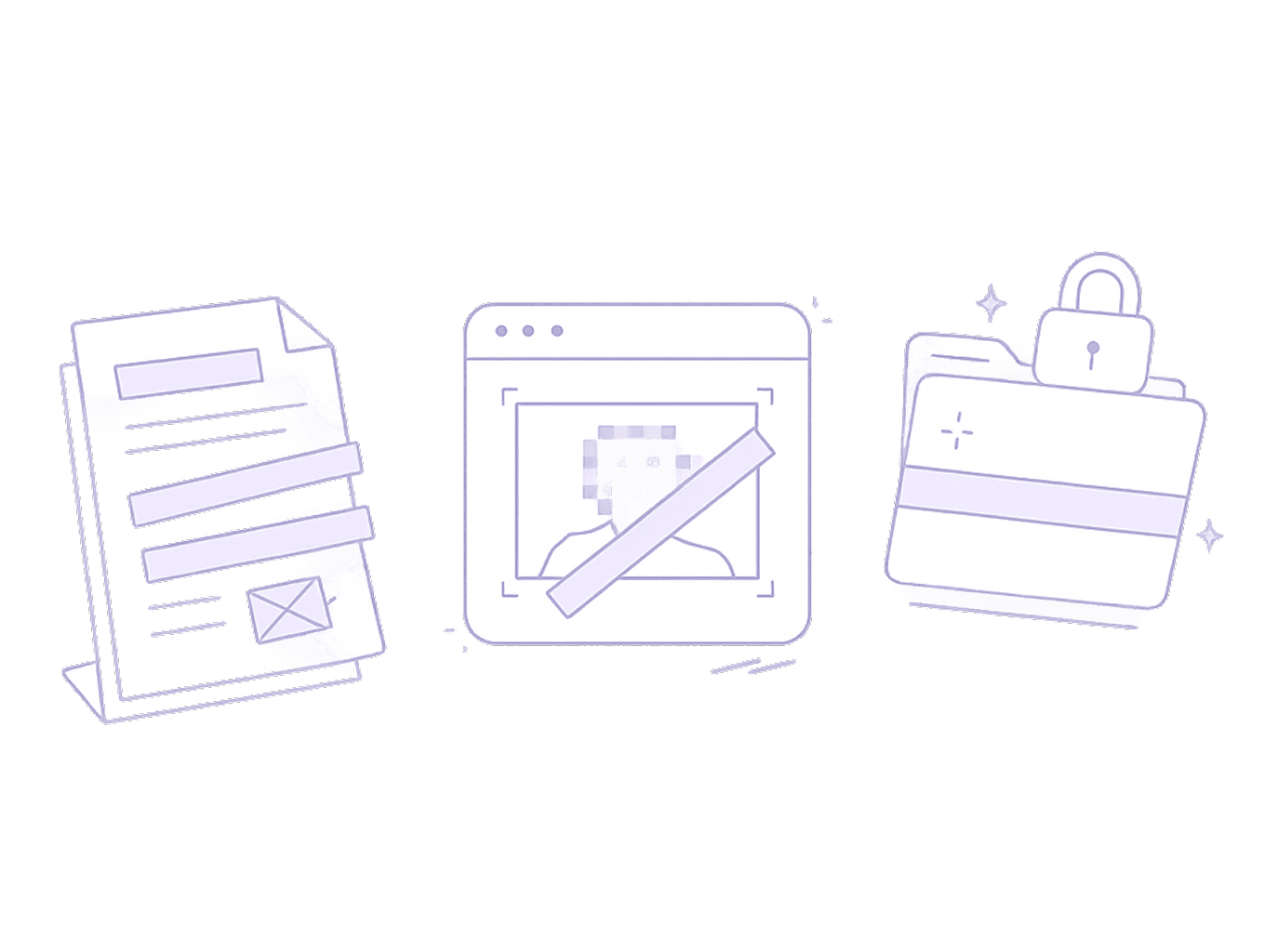
Redact Private Information
Ensures no Personally Identifiable Information (PII) is in your images or documents.
Share & export
Export to Confluence, HTML, Markdown, PDF, and Word, or share via link

Use cases
This is who Easy Scribe was built for

Product & Engineering Teams
"Docs are always six sprints behind..."
Auto-generate and push to Confluence after every feature recording. Keep QA, support, and engineering aligned.

Consultants
"Client handoff docs are unpaid time..."
Turn every walkthrough session into a branded, exportable deliverable. The session you were already doing becomes the guide.

Customer Success Teams
"We answer the same question 40×/week..."
Record onboarding once. Turn it into help docs instantly. Scale support without scaling your workload.

Agencies
"Client handoffs always turn into support..."
Hand off campaigns and systems with docs your clients can actually follow; generated from the walkthrough you did anyway.

Indie Hackers & Founders
"I already recorded the demo..."
Turn your Loom into user guides, onboarding docs, and VA SOPs. No second recording, no context switching.

Freelancers
"Clients still ask questions months later..."
Ship professional handoff docs at project end. Reduce post-delivery support and signal quality to clients.