Easy Scribe vs Guidde: Choosing the Right Guidde Alternative
Detailed comparison of Easy Scribe and Guidde for documentation. See features, pricing, and export options to pick the best guidde alternative.
2026-07-01
If you are searching for a Guidde alternative, you likely want to turn screen recordings into usable documentation or tutorials without a steep learning curve or a high per-seat price. Guidde and Easy Scribe both start from a screen recording and use AI to produce step-by-step guides, but they take notably different approaches to the final output. This comparison breaks down the differences so you can choose the right fit.
How the two tools compare
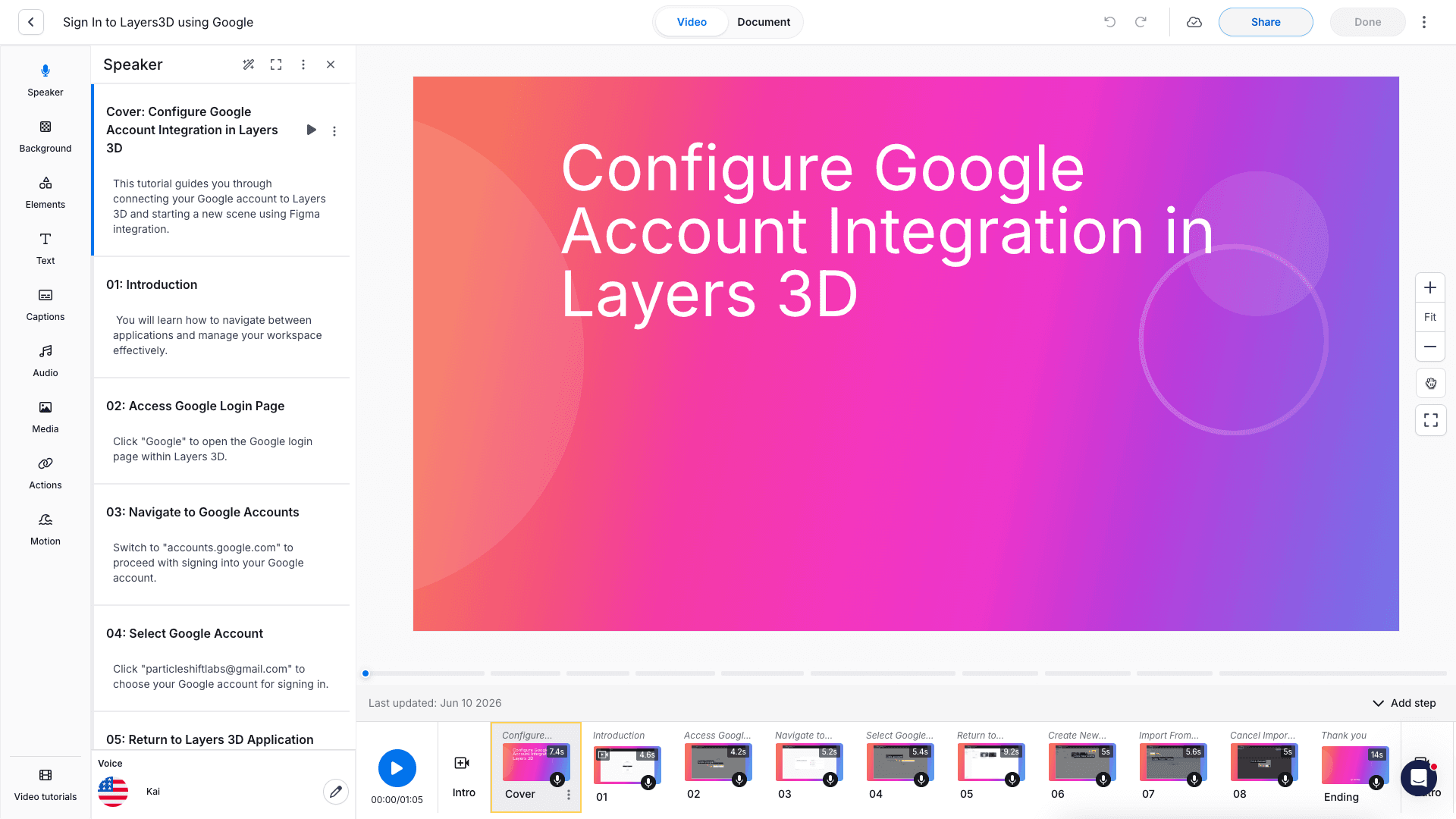
Guidde is the most video-centric tool in this category. Its Magic Capture records your screen and the AI produces a polished tutorial video complete with an auto-generated script, captions, and (on the Business plan) a synced text-to-voice voiceover drawn from a library of 200+ voices. A parallel step-by-step document is generated alongside the video.

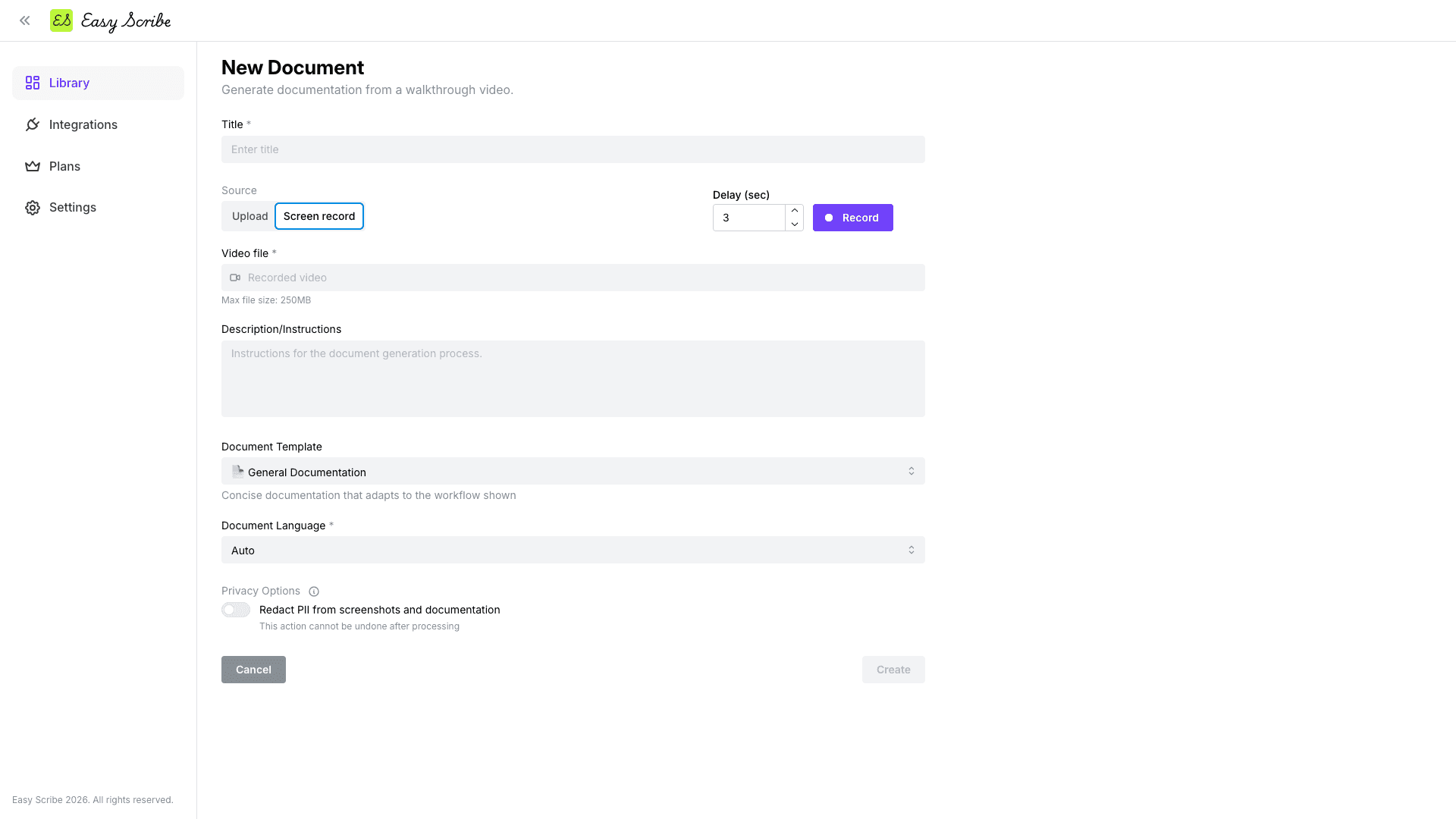
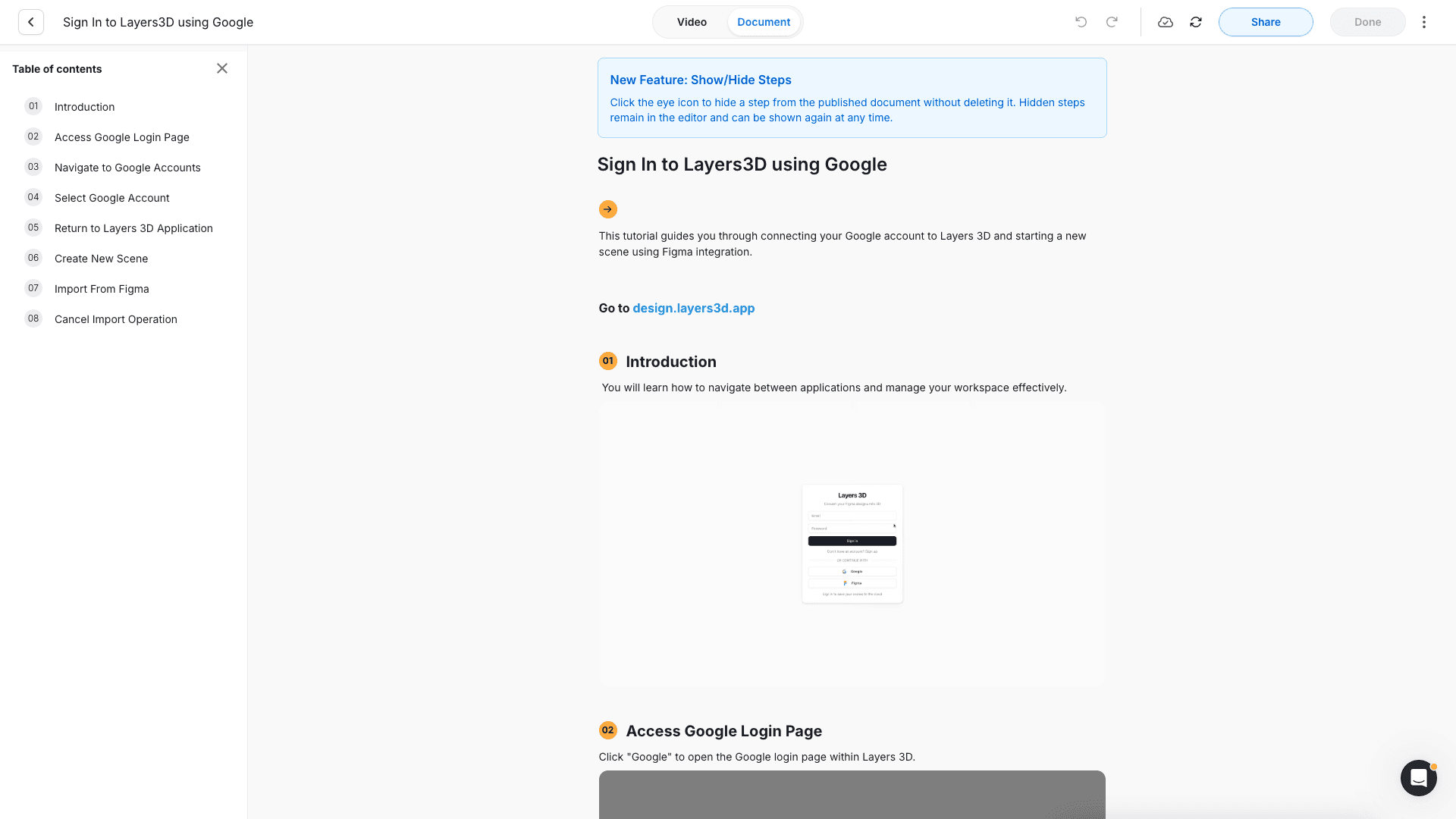
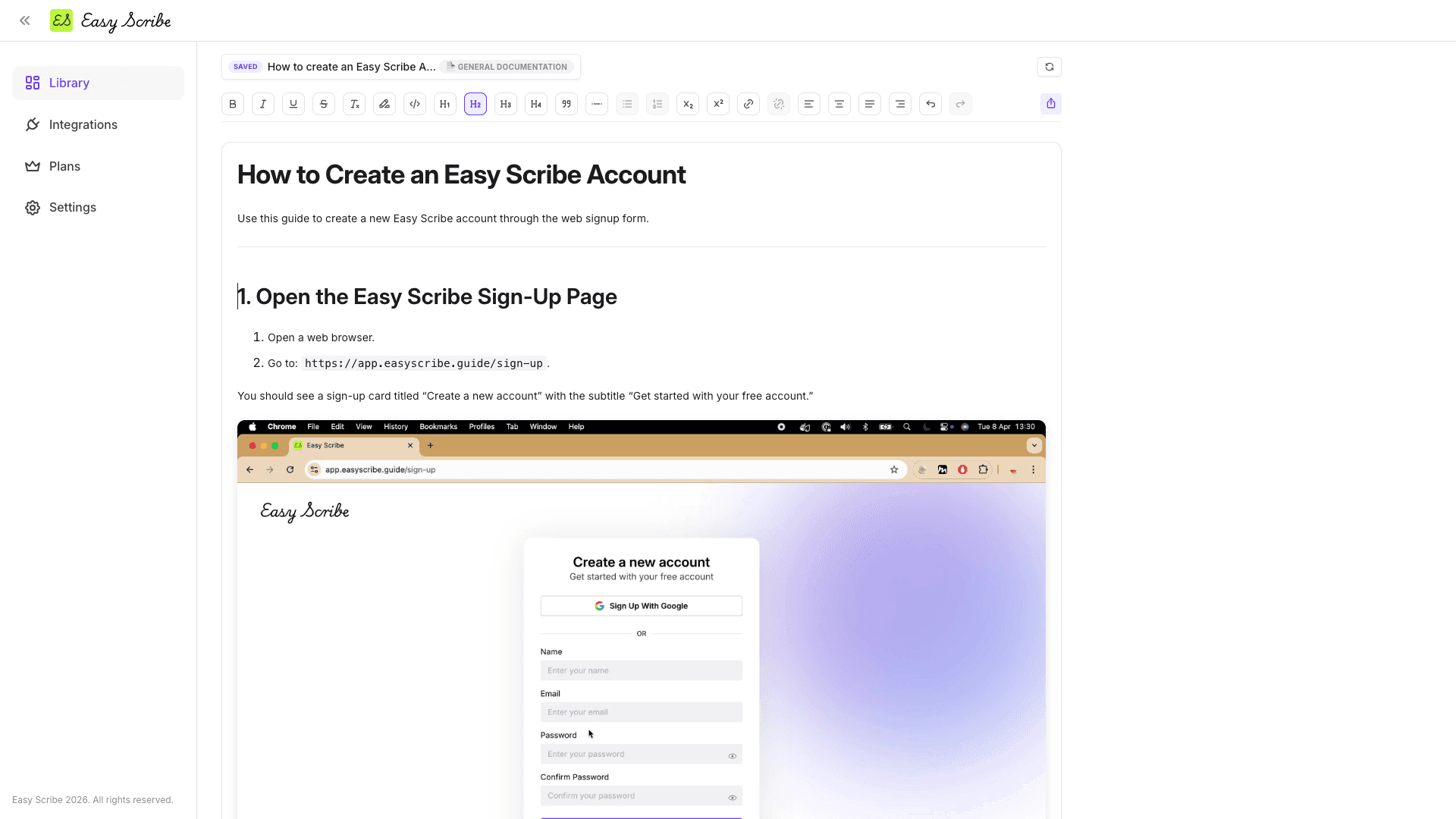
Easy Scribe, by contrast, is document-first. You record a task (or upload an existing video), and Easy Scribe generates an ordered, captioned guide with contextual screenshots extracted from the recording. The draft opens in a rich text editor for refinement and exports to formats like Confluence, Markdown, PDF, Word, or HTML.
Feature comparison table
Feature | Easy Scribe | Guidde |
|---|---|---|
Primary output | Step-by-step document with screenshots | AI-narrated video tutorial + parallel document |
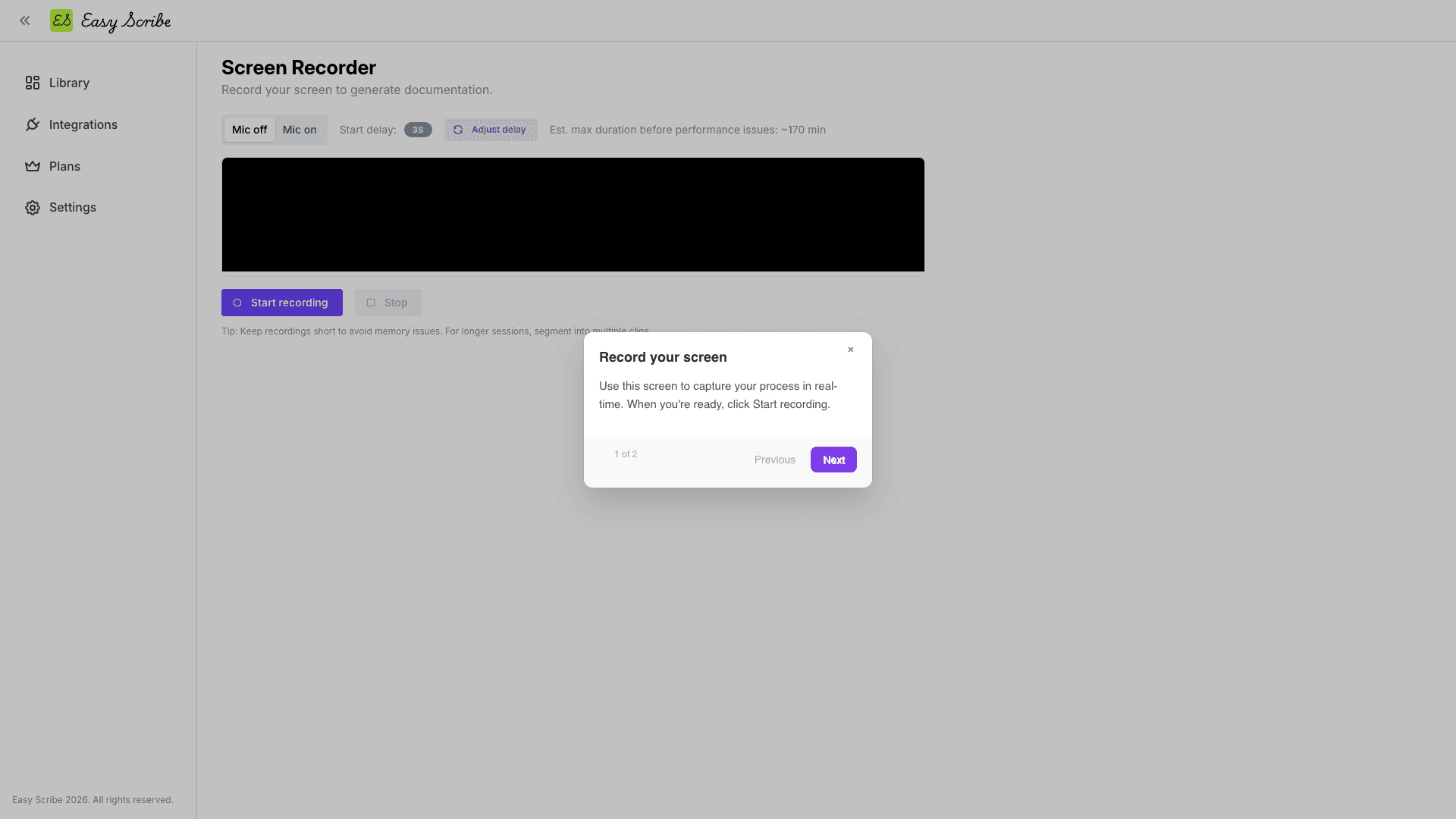
Screen recording | Browser-based, no install or extension needed | Chrome/Edge extension or desktop app |
Upload existing videos | Yes (desktop and mobile) | No (capture only) |
AI-generated content | Yes (steps, captions, screenshots) | Yes (script, captions, voiceover on Business) |
Video editing | Built-in trim editor with In/Out points and manual screenshot markers | Slide-based video editor with text, elements, and motion |
Document editor | Rich text (H1-H4, bold, italic, lists, links, drag-and-drop images, autosave) | Step editor with show/hide steps |
Export formats | PDF, Markdown, HTML, Word (Free); Confluence native export (Pro) | MP4, GIF, PDF, PPT, HTML (requires paid Pro plan) |
Confluence integration | OAuth with create/update page, parent nesting, site and space selection (Pro) | |
PII redaction | Yes (text and screenshots, Pro) | Automatic Magic Redaction is Enterprise-only; manual blur on paid tiers |
Multilingual | Yes (set at generation or auto-detect) | Automatic translation is Enterprise-only |
Mobile recording | Yes (upload mobile recordings) | |
Free tier | Yes (unlimited documents and videos, no upload size limits, 2-user workspace) | Yes (25 videos, web-only, watermarked, no export) |
Paid pricing | Pro at $9.99/user/mo (yearly saves 17%) | Pro at $19/creator/mo (annual); Business $39/creator/mo (annual) |
Delivery integrations | Confluence | Zendesk, ServiceNow, Salesforce, Slack, Confluence (embed), Broadcast module |
SSO / Enterprise controls | Not available | Enterprise-only (Okta, Microsoft Entra, 1Login, SCIM) |
Audio transcription | Yes (narrated audio feeds generated instructions) | AI voiceover generates audio from text (Business+) |
Which should you choose?
Choose Guidde if your primary deliverable is a polished, narrated video tutorial. Guidde excels at producing shareable video content for customer support tickets, help centers, and onboarding libraries. Its deep integrations with Zendesk, ServiceNow, Salesforce, and Slack make it a strong fit for support-heavy teams that embed video answers directly into tickets. The Channels feature lets teams organize and collaborate on video content.
Choose Easy Scribe if you need written, structured documentation as the end product. If your workflow revolves around user guides, SOPs, onboarding manuals, or product documentation that lives in Confluence, Markdown files, PDFs, or Word documents, Easy Scribe is purpose-built for that. The browser-based recorder needs no extension or install, multilingual output is available on all plans, and the Pro plan costs half the price of Guidde's equivalent tier.
A practical way to think about it: if the person consuming your output will press "play," Guidde is the stronger choice. If they will scroll and read, Easy Scribe will serve them better.
Both tools have trade-offs. Guidde locks several key features behind its Business and Enterprise tiers, including AI voiceover, desktop/mobile capture, automatic PII redaction, and multi-language translation. Its free tier is watermarked and cannot export. Easy Scribe currently has only one native publishing integration (Confluence), no enterprise plan, and no SSO or admin controls. PII redaction, Confluence export, custom branding, and password-protected exports require the Pro plan.
FAQs
Can Guidde produce written documents like Easy Scribe does?
Guidde generates a parallel step-by-step document alongside its video output. However, its export formats are MP4, GIF, PDF, PPT, and HTML. It does not export to Markdown or Word (DOCX), and its Confluence integration is embed-only rather than a native page create/update flow.
Does Easy Scribe require a browser extension?
No. Easy Scribe's screen recorder runs entirely in the browser with no extension or desktop app required. Guidde, by contrast, uses a Chrome/Edge extension for web capture and a desktop app for non-browser recording.
Which tool is more affordable for a single user?
Easy Scribe Pro costs $9.99 per user per month (with a 17% discount on yearly billing). Guidde Pro starts at $19 per creator per month on an annual plan ($29 if billed monthly). Easy Scribe's free tier offers unlimited documents and videos with no upload size limits; Guidde's free tier allows 25 videos but adds a watermark and blocks exports.
Can I use Easy Scribe for mobile app documentation?
Yes. Easy Scribe supports uploading mobile screen recordings and generating documentation from them. Guidde's mobile capture requires the Business plan or higher.
Is PII redaction available on free or lower-tier plans?
Easy Scribe includes PII redaction for both text and screenshots on the Pro plan. Guidde offers manual blur on paid tiers, but its automatic Magic Redaction feature is restricted to the Enterprise plan.

Easy Scribe
Rich documentation, walkthroughs, and guides from screen recordings.
Quick links
RESOURCES
© 2025 Easy Scribe. All Rights Reserved