Easy Scribe vs Scribe: Which Scribe Alternative Fits Your Workflow?
Detailed comparison of Easy Scribe and Scribe for step-by-step documentation. Features, pricing, exports, and an honest verdict to pick the right tool.
2026-07-01
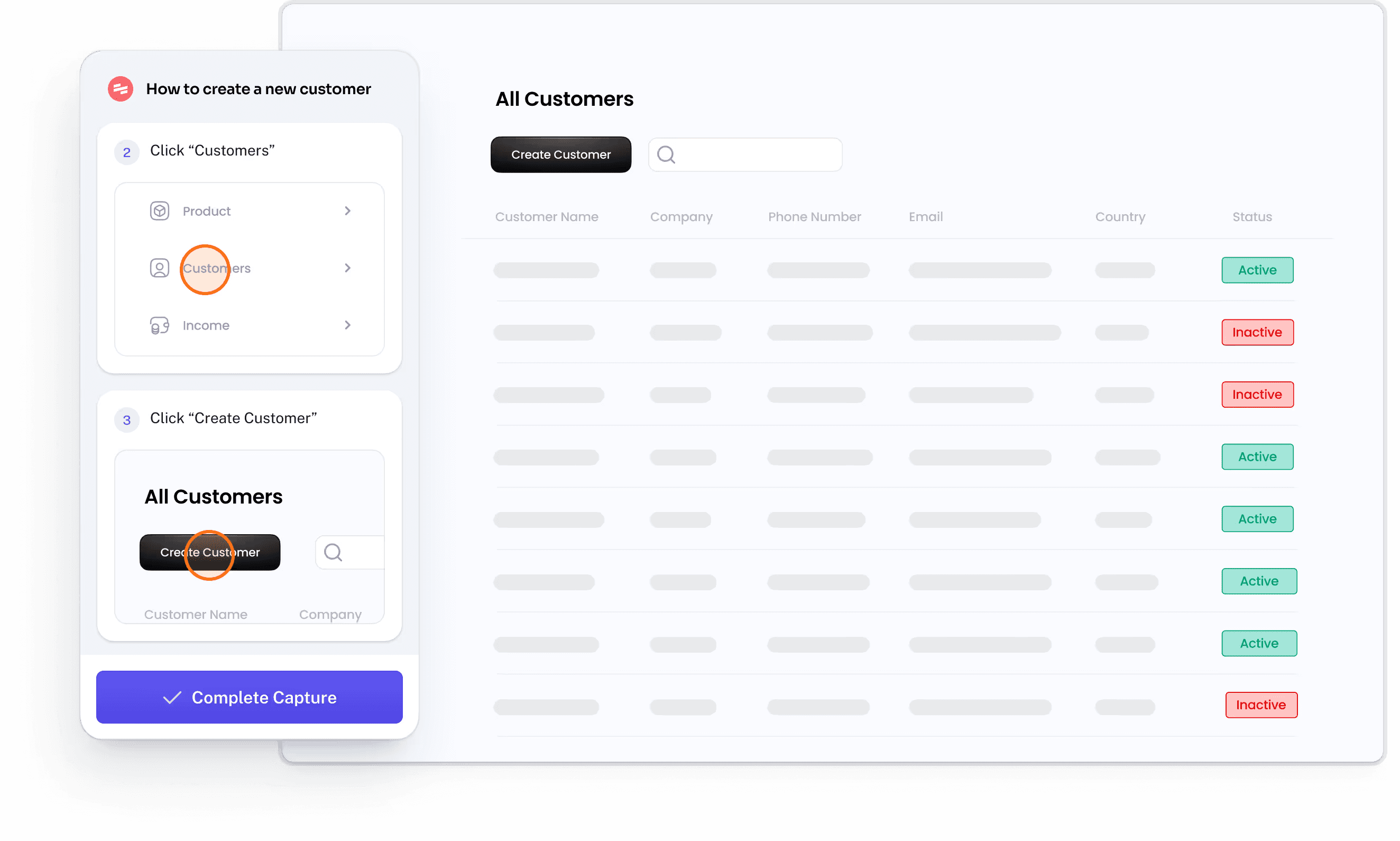
If you are searching for a Scribe alternative, you have likely already tried Scribe or seen it recommended for process documentation. Scribe is a well-known click-capture tool, but its pricing tiers, extension requirement, and enterprise-gated features lead many teams to evaluate other options. Easy Scribe takes a different approach: instead of capturing individual clicks through a browser extension, it turns a screen recording into a complete, captioned guide with contextual screenshots, all from the browser with no install required.
This page compares the two products feature by feature so you can decide which one matches your team, budget, and workflow.
How the two tools work
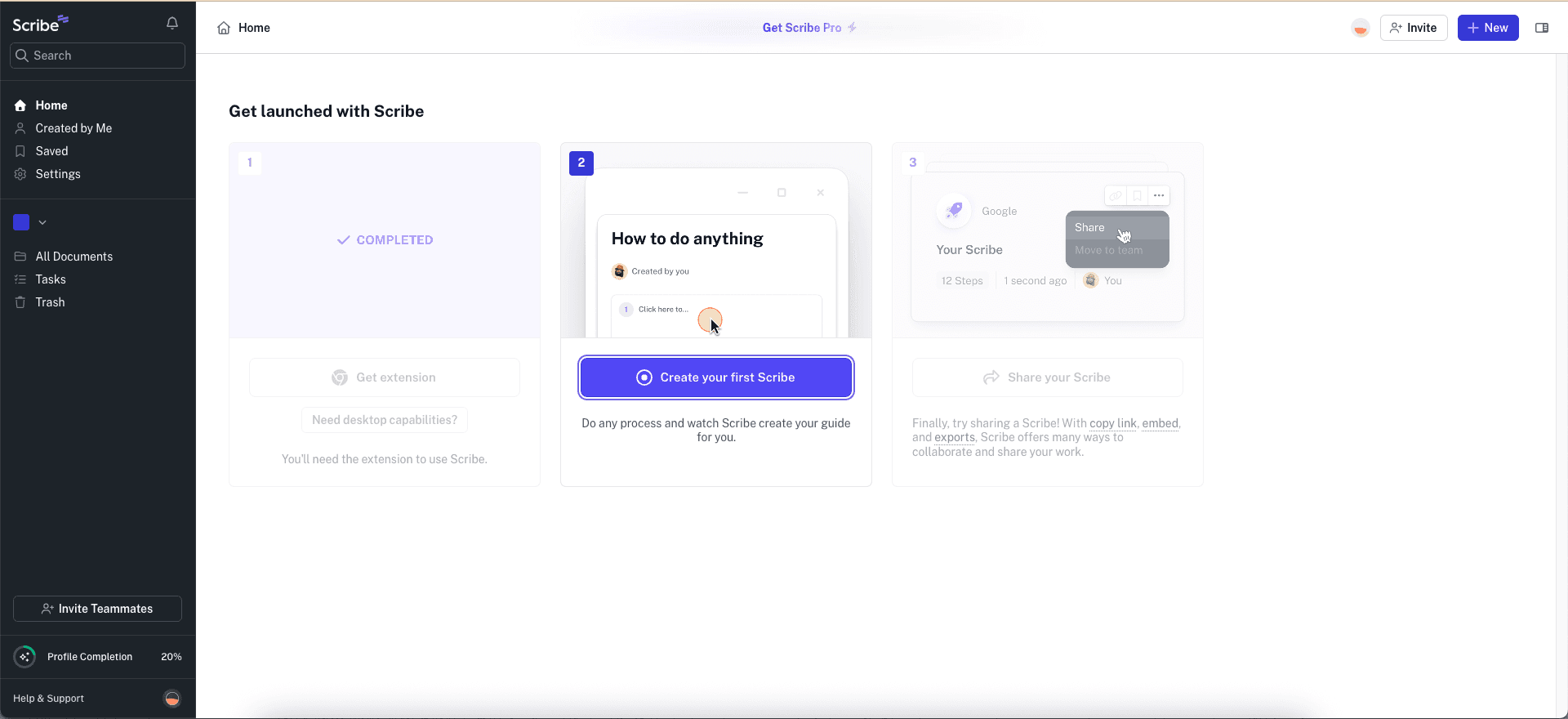
Easy Scribe lets you record your screen with its built-in browser-based recorder (or upload an existing video, including mobile recordings). You add a title and optional instructions, and the AI generates an ordered, step-by-step guide with screenshots pulled from the recording. You refine the draft in a rich text editor and export to Confluence, Markdown, PDF, Word, or HTML.
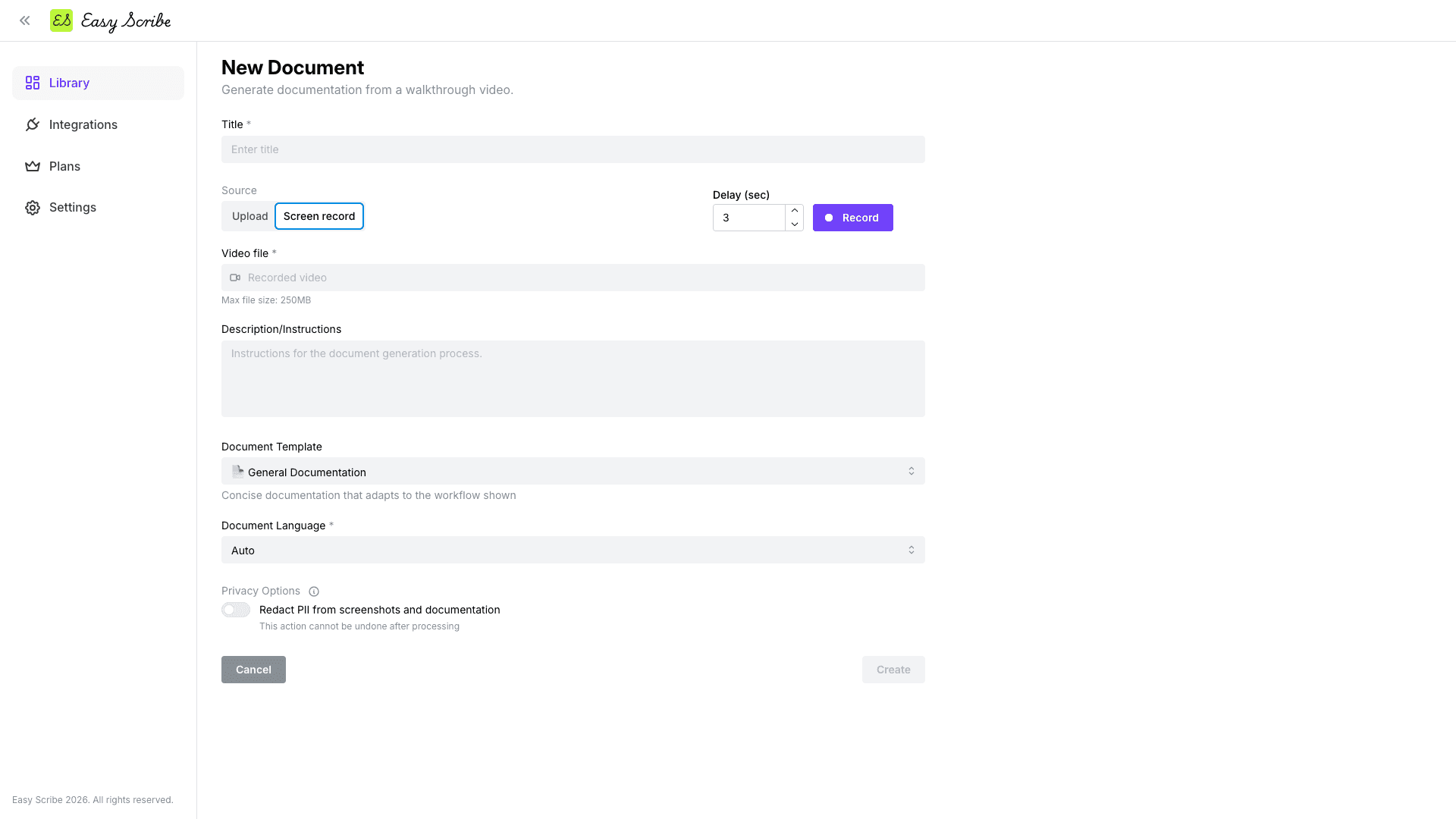
Scribe uses a Chrome/Edge extension or desktop app to capture each click as you walk through a workflow. It auto-builds annotated screenshots with step text. The result is a click-by-click guide rather than a recording-derived document.
Feature comparison
Feature | Easy Scribe | Scribe |
|---|---|---|
Capture method | Browser-based screen recorder or video upload; no extension needed | Chrome/Edge extension or desktop app (click capture) |
Free tier | Yes, unlimited documents and videos, no upload size limits, basic doc generation | Yes, web-only; no file exports, link/embed sharing only |
Paid pricing | Pro at $9.99/mo (yearly saves 17%) | Pro Personal from $25/seat/mo (annual); Pro Team $13/seat/mo with 5-seat minimum (~$780/yr) |
Export formats | Confluence, Markdown, PDF, Word, HTML | PDF, HTML, Markdown, Word (Pro-only) |
Confluence integration | Yes, direct OAuth with page create/update, parent nesting | Not listed as a direct integration |
PII redaction | Yes, text and screenshots (Pro) | Screenshot redaction on Pro; automatic PII/PHI redaction is Enterprise-only |
Mobile recording | Yes, included on all plans | Paid Pro plan required |
Multilingual output | Yes, set at generation time or auto-detect | Enterprise-only |
AI-generated content | Yes | Yes |
Audio transcription | Yes, narrated audio feeds step instructions | Not applicable (click capture) |
Video editing | Yes, trim clips and set manual screenshot points | N/A |
Rich text editor | Yes (H1-H4, bold, italic, lists, links, drag-and-drop images, autosave) | Step text editing; Pages for multi-guide docs (Pro/Enterprise, embed/share only, no file export) |
SSO / enterprise controls | Not available | Yes (Enterprise plan, SOC 2 Type II, HIPAA) |
Install required | No | Yes (browser extension or desktop app) |
Which should you choose?
Choose Easy Scribe if you prefer a recording-based workflow, want file exports on the free tier and PII redaction on the low-cost Pro plan, or need Confluence as a direct publishing target. At $9.99/mo for Pro with no per-seat pricing, it is significantly cheaper for individuals and small teams. It is also a strong fit when you already have video recordings (desktop or mobile) and want to turn them into documentation without re-performing the workflow through an extension. The browser-based approach means nothing to install on locked-down machines.
Choose Scribe if your organization needs enterprise governance, SSO, HIPAA compliance, or SOC 2 Type II certification. Scribe's click-capture model produces precise per-click annotations that suit large-scale employee onboarding and SOP standardization programs. Its enterprise story is well-established, and teams with budget for the Pro or Enterprise tier get a mature platform with admin controls.
Keep in mind the trade-offs on each side. Easy Scribe has no published team or enterprise plan, no SSO, and its only direct integration today is Confluence. Scribe's free tier offers no file exports at all, its mobile capture and redaction features sit behind paid plans, and multilingual output is locked to Enterprise.
FAQ
Does Easy Scribe require a browser extension like Scribe does?
No. Easy Scribe is entirely browser-based. You record or upload a video from the web app with no extension or desktop install. Scribe relies on a Chrome/Edge extension or a desktop application to capture clicks.
Can I use my existing screen recordings with either tool?
Easy Scribe accepts uploaded videos (desktop and mobile) and generates documentation from them. Scribe captures workflows live through its extension rather than ingesting pre-recorded video.
How do the free tiers compare?
Easy Scribe's free tier includes unlimited documents and videos with no upload size limits, basic document generation, and export to Markdown, PDF, Word, or HTML. Scribe's Basic plan is web-only, caps guide creation, and provides link or embed sharing only with no file export.
Is PII redaction available without paying?
Easy Scribe includes PII redaction in both text and screenshots on the Pro plan ($9.99/mo). On Scribe, screenshot redaction starts at Pro, and automatic PII/PHI redaction requires the Enterprise plan.
Which tool is cheaper for a single user?
Easy Scribe Pro costs $9.99/mo. Scribe Pro Personal starts at $25/seat/mo on annual billing. For a solo user or small team without enterprise compliance needs, Easy Scribe is the more affordable option.

Easy Scribe
Rich documentation, walkthroughs, and guides from screen recordings.
Quick links
RESOURCES
© 2025 Easy Scribe. All Rights Reserved