Easy Scribe vs Tango: Which Documentation Tool Fits Your Workflow?
Compare Easy Scribe and Tango side by side. Features, pricing, export options, and PII redaction to help you pick the right Tango alternative.
2026-07-01
If you are looking for a Tango alternative, you have likely hit one of the friction points that come with Tango's click-capture approach: the Chrome extension requirement, limited free-tier exports, or Enterprise-only features like automatic PII redaction and multilingual translation. This guide compares Easy Scribe and Tango feature by feature so you can decide which tool fits your documentation workflow.
How the two tools work
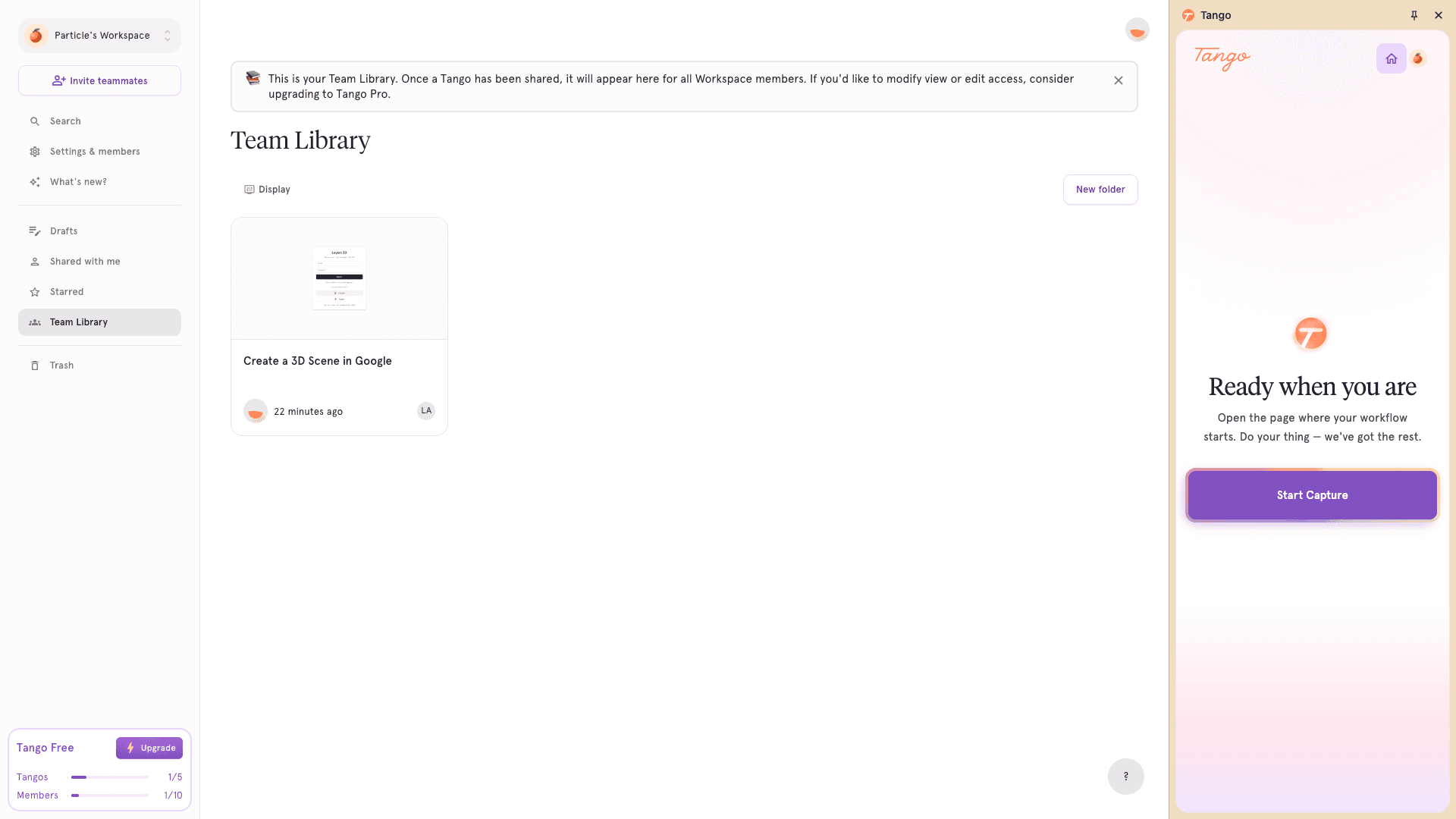
Tango uses a Chrome extension or desktop app to capture individual clicks and keystrokes, producing an annotated series of screenshots rather than a continuous screen recording. The result is a highlight reel of actions with auto-generated captions.
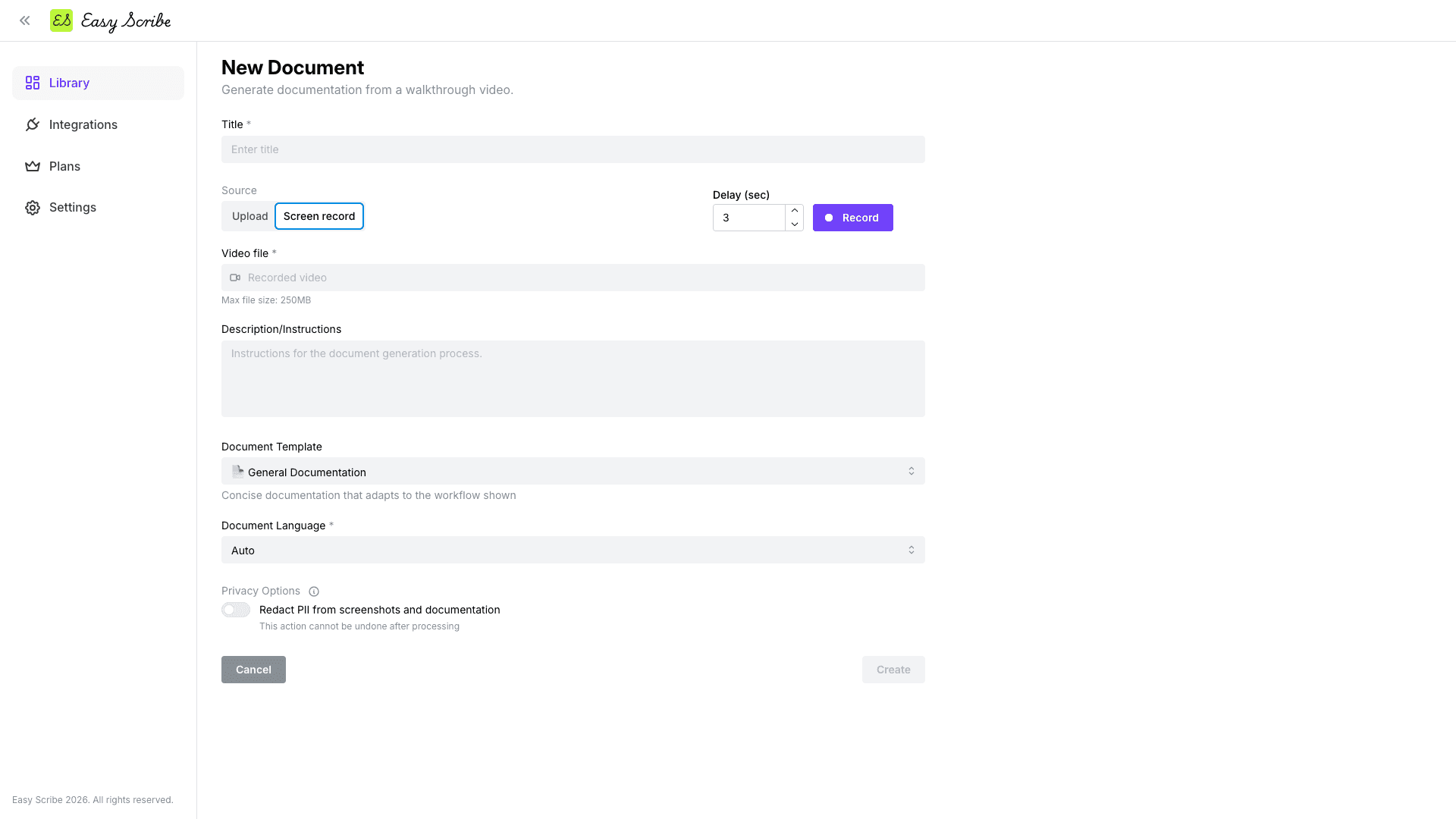
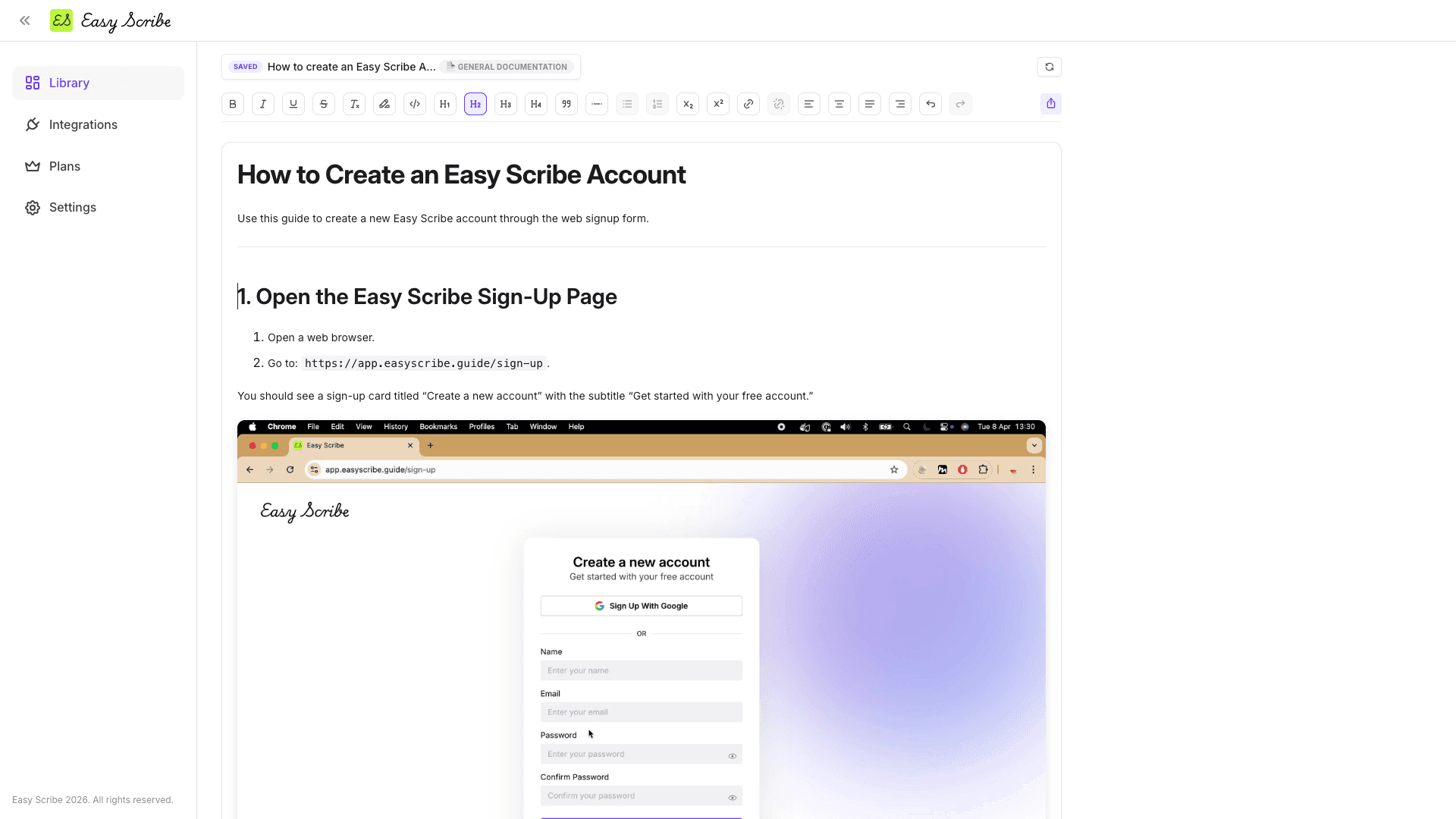
Easy Scribe takes a different path. You record your screen with the built-in browser-based recorder (no extension or install needed) or upload an existing video. The AI then generates a complete step-by-step guide with contextual screenshots extracted from the recording, which you refine in a rich text editor before exporting.
Feature comparison
Feature | Easy Scribe | Tango |
|---|---|---|
Capture method | Browser-based screen recording (no extension) or video upload | Chrome extension or desktop app (click-based screenshots) |
Free tier | Yes (unlimited documents and videos, no upload size limits, team workspace for up to 2 users) | Yes (browser capture only, 5 workflows max, no file exports) |
Paid pricing | Pro at $9.99/mo | Pro from $22/user/mo (Personal, 1-2 users) or $15/user/mo (Team, 3+ users) on annual billing |
Export formats | Confluence, Markdown, PDF, Word (DOCX), HTML | PDF, Markdown, HTML (Pro only) |
Confluence integration | Native OAuth (create/update pages, parent nesting, space selection) | |
PII redaction | Yes (text and screenshots, Pro) | Manual blur on Pro; automatic Secure Blur is Enterprise-only |
Mobile recording | Yes (desktop and mobile recordings supported) | |
Multilingual output | Yes (set language at generation or auto-detect) | Enterprise-only (10 languages) |
Audio transcription | Yes (narration feeds generated instructions) | No (click-based, no audio) |
Video editing | Yes (trim clips, set manual screenshot points) | No |
In-app walkthroughs | No | |
Real-time automations | No | |
Install required | No | Yes (Chrome extension or desktop app) |
Which should you choose?
Choose Easy Scribe if you want a recording-based workflow that captures everything on screen, not just clicks. It is a strong fit when you need:
Documentation from continuous screen recordings or uploaded videos, including mobile recordings.
PII redaction on Pro without an Enterprise upgrade.
Multilingual output without tier restrictions.
Native Confluence publishing (create or update pages with parent nesting) rather than iframe embeds.
A lower price point: $9.99/mo versus $22/user/mo for a single Tango Pro seat.
No browser extension or desktop install.
Choose Tango if your priority is lightweight click-capture for browser-based workflows and you value Tango's Enterprise features:
In-app walkthroughs (Pins and Guide Me) for guiding internal users through software in real time.
Real-time automations that execute steps on behalf of users.
SOC 2 compliance is already documented.
Your team has three or more seats and can take advantage of the lower per-user Team pricing ($15/user/mo annual).
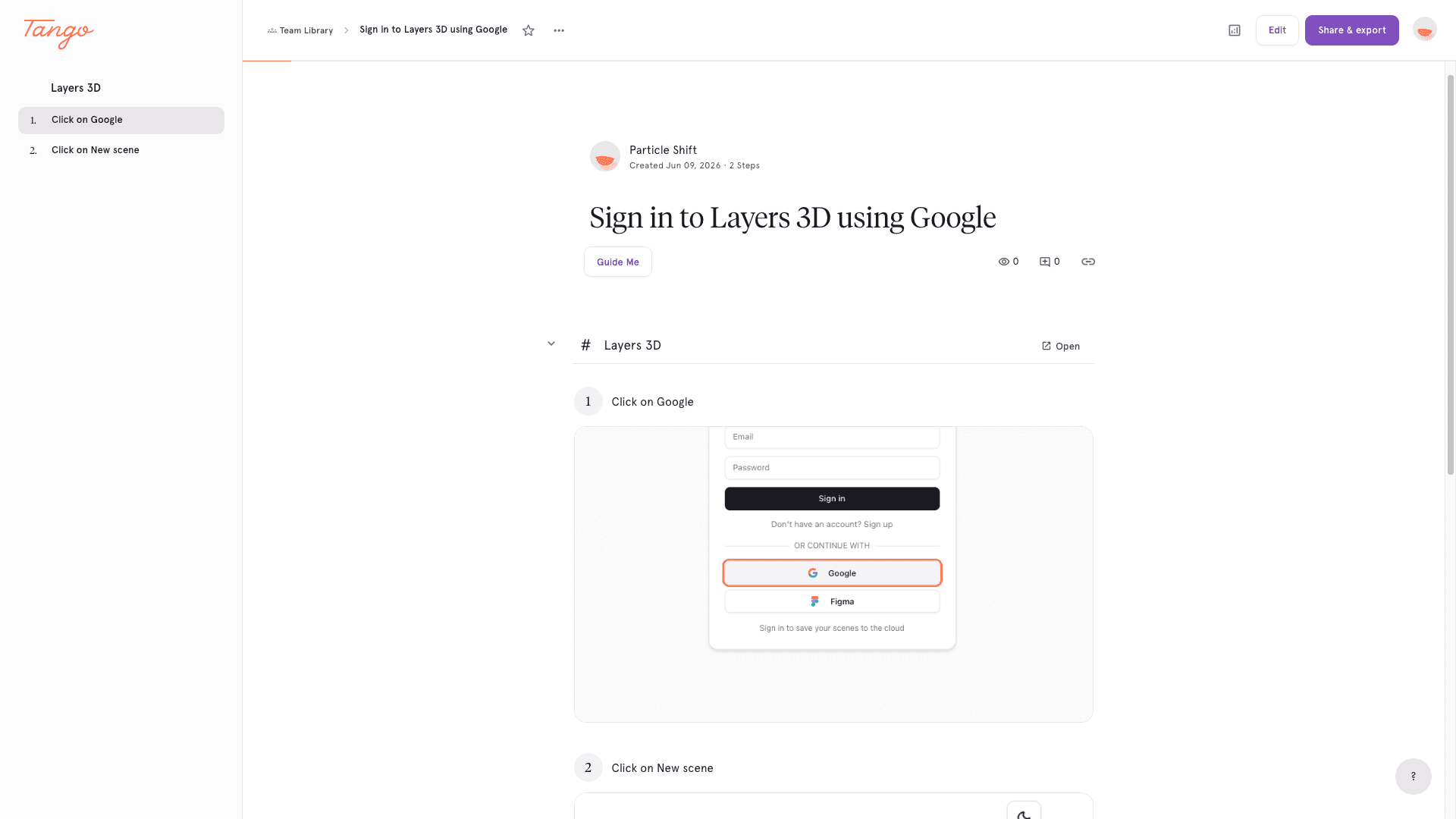
Keep in mind that Tango's free tier caps the team library at five workflows with no file exports, desktop capture requires Pro, and automatic PII detection plus multilingual translation are locked to Enterprise.
Easy Scribe has its own limitations. Confluence is the only direct publishing integration today; other destinations like Notion require a Markdown or file export. There is no published team or enterprise tier, and no documented SSO, admin controls, or audit logging.
FAQ
Does Easy Scribe require a browser extension like Tango does?
No. Easy Scribe is entirely browser-based. You record your screen or upload a video directly in the app without installing an extension or desktop application.
Can I use Easy Scribe to document mobile workflows?
Yes. Easy Scribe supports both desktop and mobile screen recordings. You can record on your device and upload the video, or use a mobile screen recording directly. Tango does not currently support mobile capture.
Is PII redaction available on Easy Scribe's free plan?
PII redaction is available on Easy Scribe's Pro plan ($9.99/mo) and covers both text and screenshots. With Tango, manual screenshot blur is a Pro feature, and automatic PII detection (Secure Blur) is Enterprise-only.
How does Confluence integration differ between the two tools?
Easy Scribe has a native OAuth integration that lets you create or update Confluence pages, choose a parent page, and select a site and space. Tango's Confluence integration uses HTML or iframe embeds rather than creating native Confluence documents.
What export formats does each tool support on paid plans?
Easy Scribe Pro exports to Confluence, Markdown, PDF, Word (DOCX), and HTML. Tango Pro exports to PDF, Markdown, and HTML; the free tier has no file export at all.

Easy Scribe
Rich documentation, walkthroughs, and guides from screen recordings.
Quick links
RESOURCES
© 2025 Easy Scribe. All Rights Reserved